Pro Player
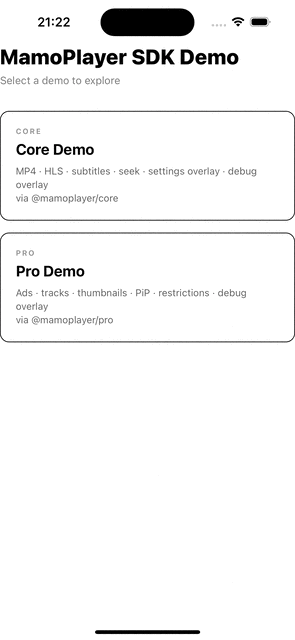
ProMamoPlayer is the advanced component from @mamoplayer/pro.
Use it when your app needs OTT-focused capabilities beyond basic playback:
- analytics instrumentation
- ad monetization (simulated ad breaks or IMA)
- watermark overlays
- playback policy enforcement
- track/quality switching
- picture-in-picture support
- premium theming and layout control
Installation
npm install @mamoplayer/core @mamoplayer/pro
@mamoplayer/core is a peer dependency of @mamoplayer/pro and must be installed alongside it.
Minimal usage
import { ProMamoPlayer } from '@mamoplayer/pro';

<ProMamoPlayer source={{ uri: 'https://cdn.example.com/main/master.m3u8' }} />;
Analytics
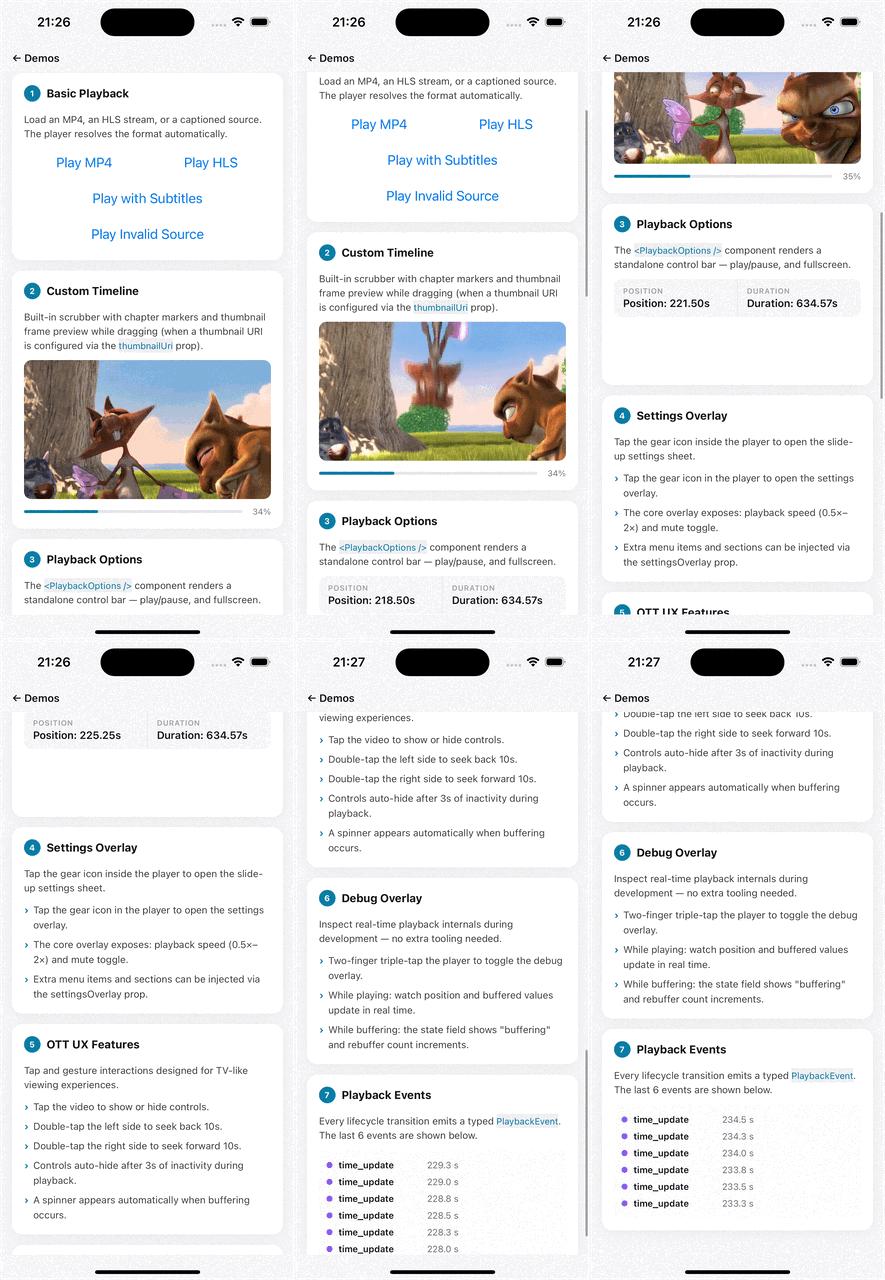
analytics emits normalized telemetry (play, pause, seek, quartile, ad_start, ad_complete, ad_error, etc.).
import { ProMamoPlayer } from '@mamoplayer/pro';

<ProMamoPlayer
  source={{ uri: 'https://cdn.example.com/movie/master.m3u8' }}
  analytics={{
    sessionId: 'session-2026-03-08-001',
    onEvent: (event) => {
      console.log('[analytics]', event.type, event.position, event.quartile);
    },
  }}
/>;
Simulated ads (ads)
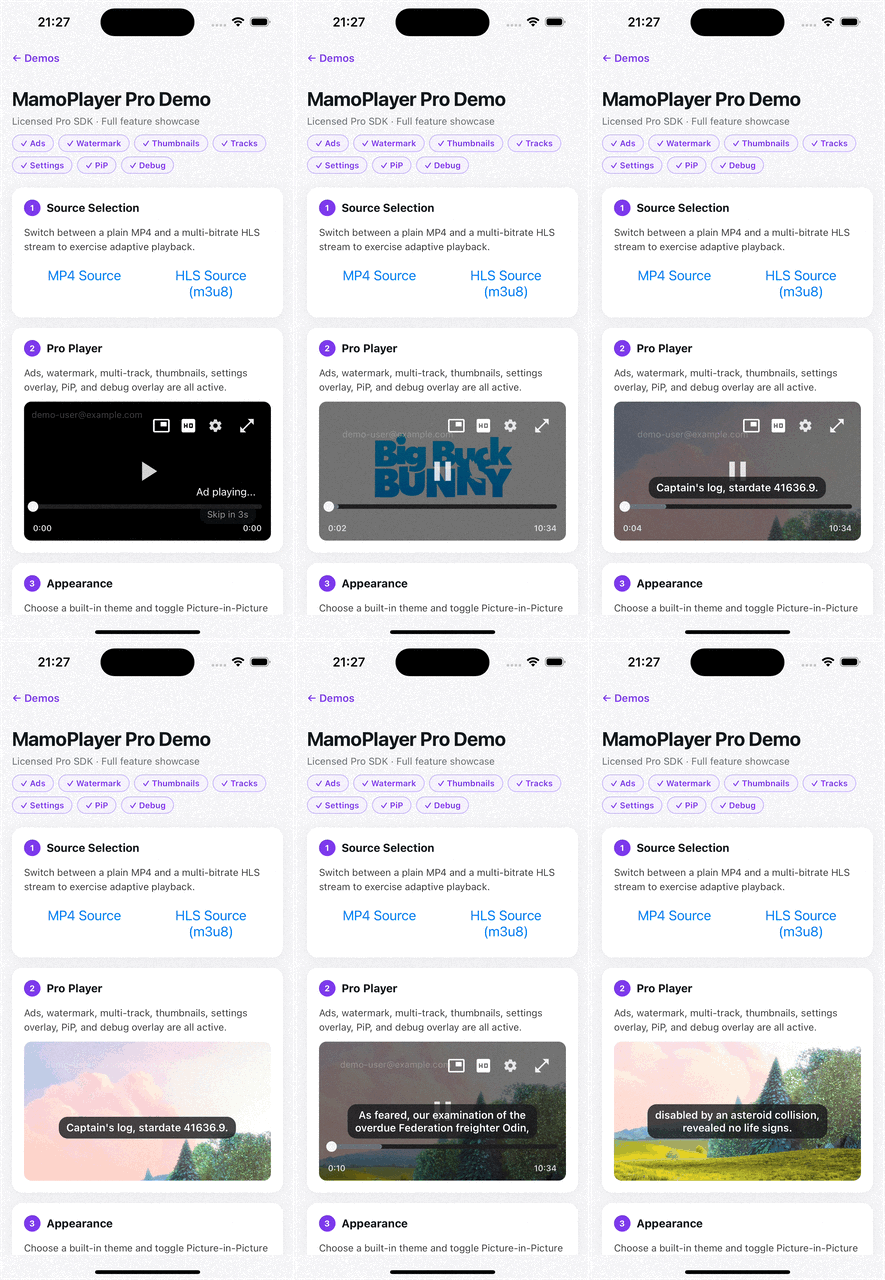
ads configures ad breaks as regular video assets (great for local development and fallback flows).
import { ProMamoPlayer } from '@mamoplayer/pro';

<ProMamoPlayer
  source={{ uri: 'https://cdn.example.com/main-content.mp4' }}
  ads={{
    adBreaks: [
      { type: 'preroll', source: { uri: 'https://cdn.example.com/ads/pre.mp4' } },
      { type: 'midroll', time: 120, source: { uri: 'https://cdn.example.com/ads/mid.mp4' } },
      { type: 'postroll', source: { uri: 'https://cdn.example.com/ads/post.mp4' } },
    ],
    skipButtonEnabled: true,
    skipAfterSeconds: 5,
    overlayInset: {
      right: 24,
      bottom: 24,
    },
  }}
/>;
Google IMA (ima)
Use ima for ad-tag-based serving (VAST/IMA).
import { ProMamoPlayer } from '@mamoplayer/pro';

<ProMamoPlayer
  source={{ uri: 'https://cdn.example.com/main-content.mp4' }}
  ima={{
    enabled: true,
    adTagUrl:
      'https://pubads.g.doubleclick.net/gampad/ads?iu=/21775744923/external/single_ad_samples&sz=640x480&output=vast',
  }}
/>;
Tracks (quality/audio/subtitles)
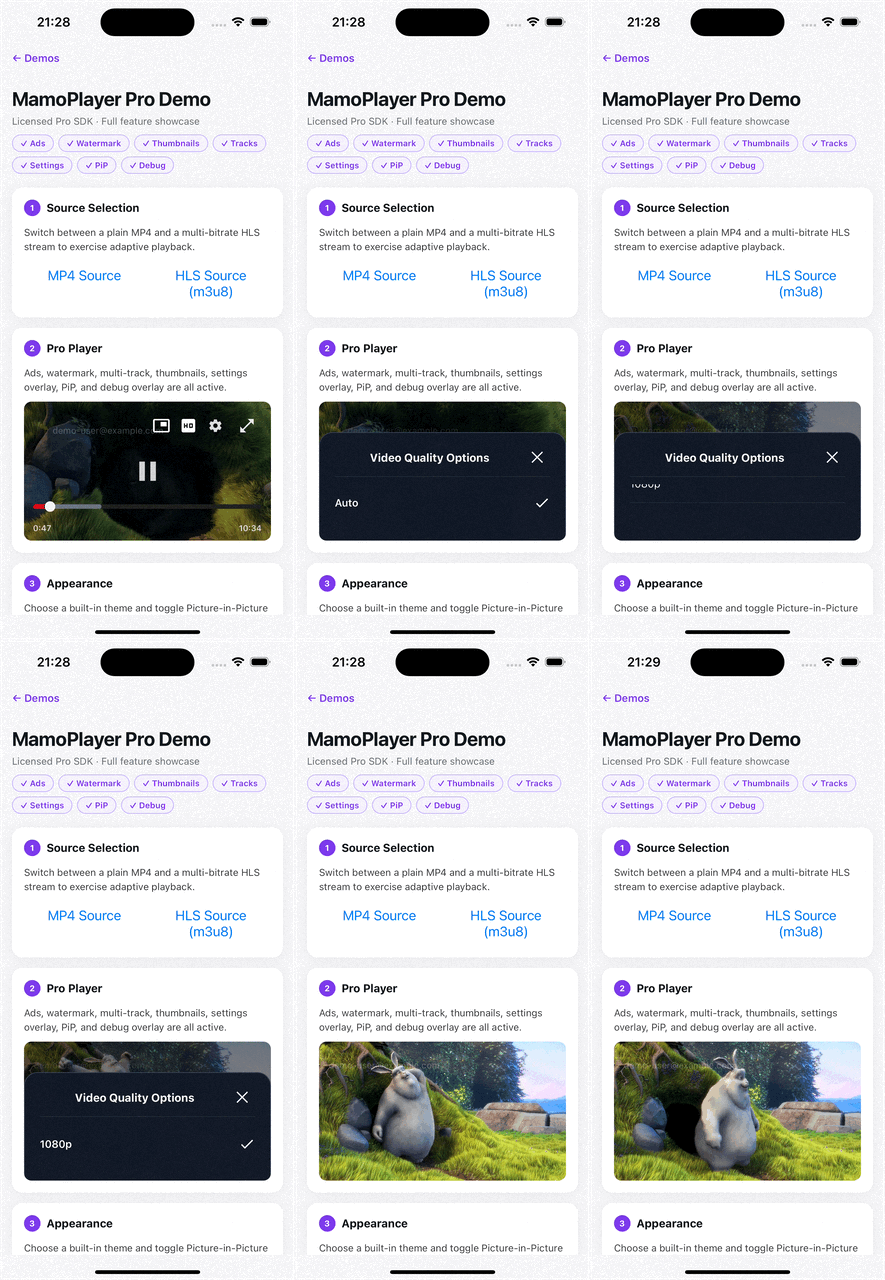
tracks enables quality, audio, and subtitle selection.
Subtitle startup resolves in this order:
tracks.defaultSubtitleTrackId(including"off")- first subtitle marked with
isDefault: true "off"
import { ProMamoPlayer } from '@mamoplayer/pro';

<ProMamoPlayer
  source={{ uri: 'https://cdn.example.com/content/main.m3u8' }}
  tracks={{
    qualities: [
      {
        id: 'auto',
        label: 'Auto',
        uri: 'https://cdn.example.com/content/master.m3u8',
        isDefault: true,
      },
      { id: '720p', label: '720p', uri: 'https://cdn.example.com/content/720.m3u8' },
      { id: '1080p', label: '1080p', uri: 'https://cdn.example.com/content/1080.m3u8' },
    ],
    audioTracks: [
      { id: 'en', language: 'en', label: 'English' },
      { id: 'tr', language: 'tr', label: 'Türkçe' },
    ],
    subtitleTracks: [
      {
        id: 'en',
        language: 'en',
        label: 'English',
        uri: 'https://cdn.example.com/subtitles/en.vtt',
      },
      {
        id: 'tr',
        language: 'tr',
        label: 'Türkçe',
        uri: 'https://cdn.example.com/subtitles/tr.vtt',
      },
    ],
    defaultQualityId: 'auto',
    defaultAudioTrackId: 'en',
    defaultSubtitleTrackId: 'off',
  }}
/>;
Thumbnails
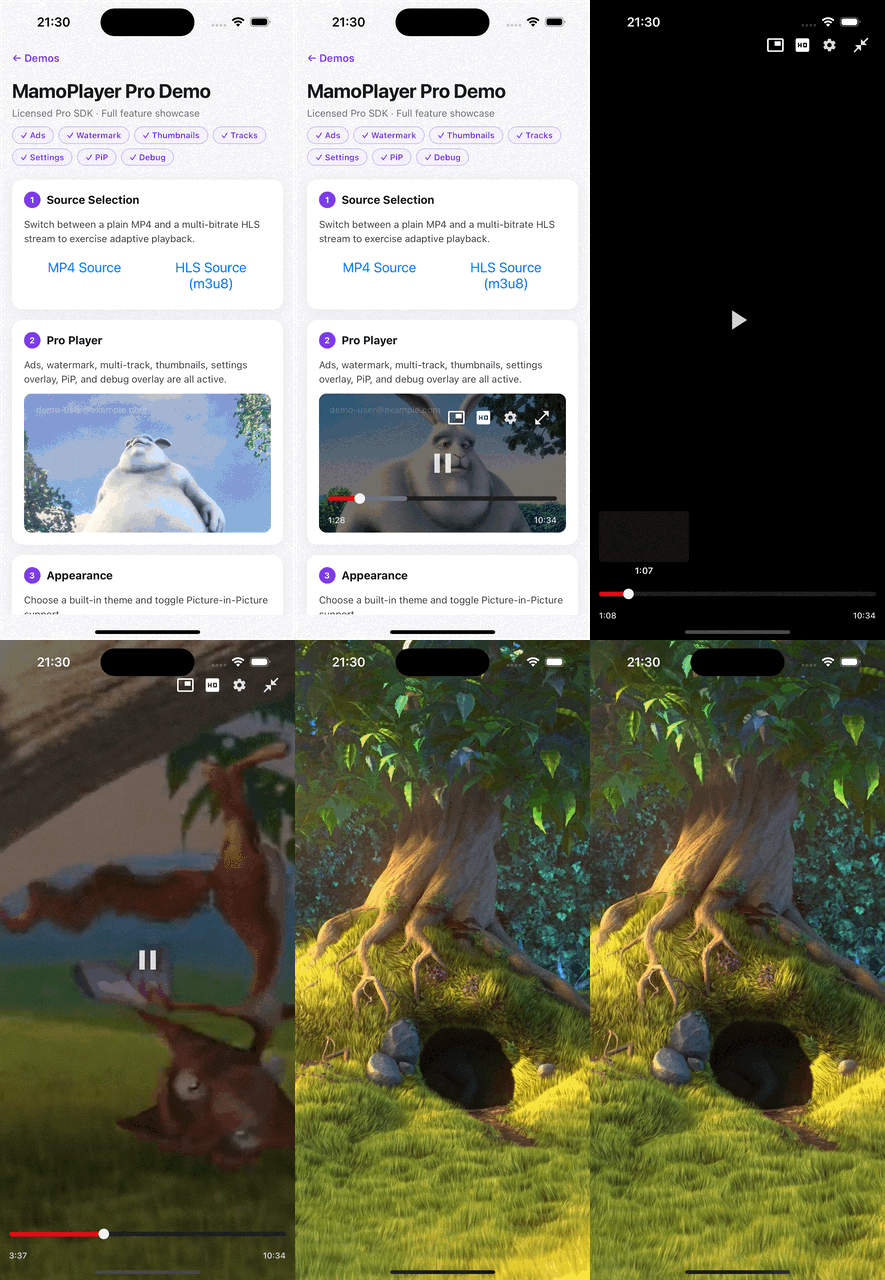
thumbnails provides a scrubbing preview by displaying images at specific timestamps.
import { ProMamoPlayer } from '@mamoplayer/pro';

<ProMamoPlayer
  source={{ uri: 'https://cdn.example.com/content/movie.mp4' }}
  thumbnails={{
    frames: [
      { time: 0, uri: 'https://cdn.example.com/thumbs/0.jpg' },
      { time: 10, uri: 'https://cdn.example.com/thumbs/10.jpg' },
      { time: 20, uri: 'https://cdn.example.com/thumbs/20.jpg' },
    ],
  }}
/>;
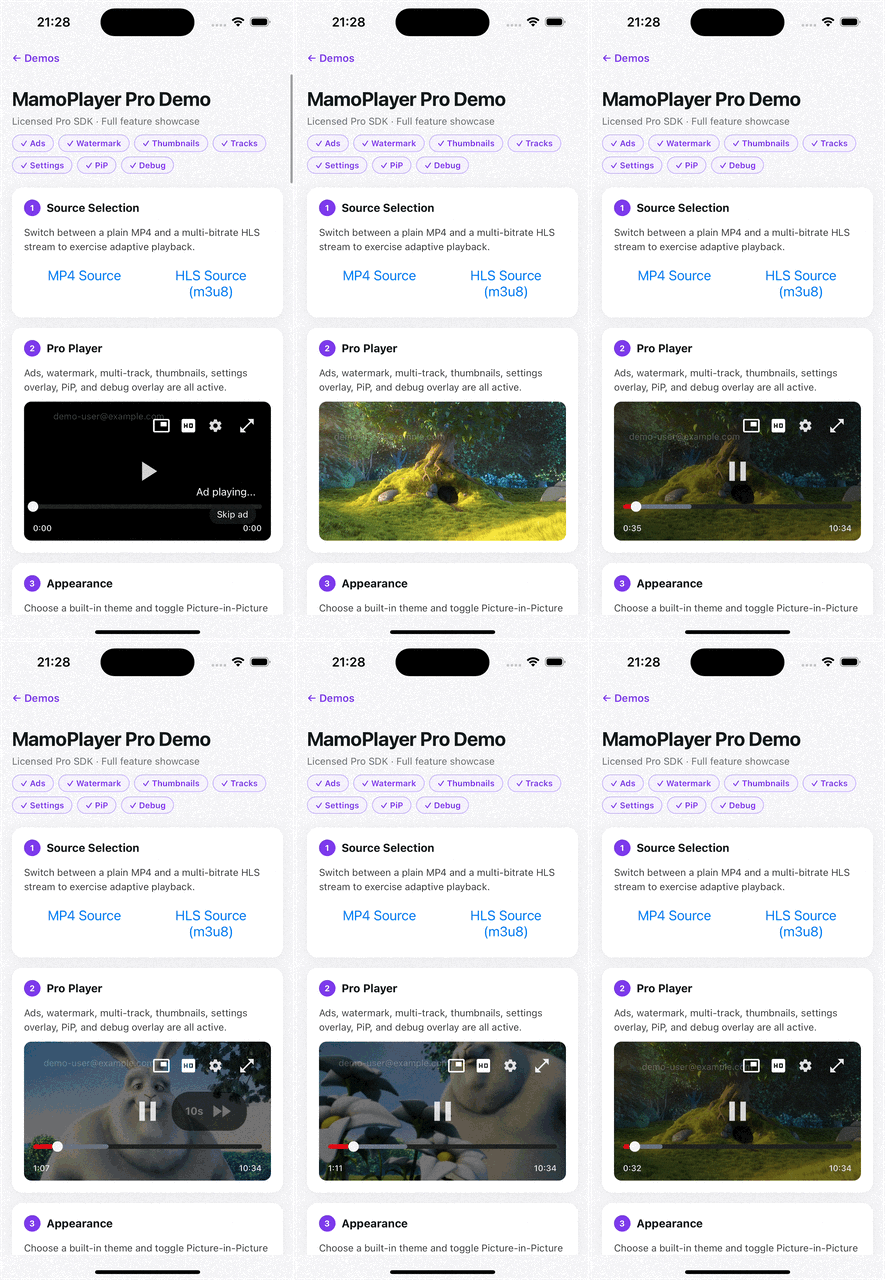
Watermark and restrictions
import { ProMamoPlayer } from '@mamoplayer/pro';

<ProMamoPlayer
  source={{ uri: 'https://cdn.example.com/premium/master.m3u8' }}
  watermark={{
    text: 'user-42 • example.com',
    opacity: 0.35,
    randomizePosition: true,
    intervalMs: 5000,
  }}
  restrictions={{
    disableSeekingForward: true,
    disableSeekingBackward: false,
    maxPlaybackRate: 1.0,
  }}
/>;
Theme, layout, and icons
Use themeName (light, dark, ott) for defaults, or pass a custom theme object. If both are provided, theme takes precedence.
import { ProMamoPlayer } from '@mamoplayer/pro';
import { MyPlayIcon, MyPauseIcon } from './player-icons';
<ProMamoPlayer
source={{ uri: 'https://cdn.example.com/premium/master.m3u8' }}
themeName="ott"
layoutVariant="ott"
icons={{
Play: MyPlayIcon,
Pause: MyPauseIcon,
}}
/>;
PiP and settings overlay
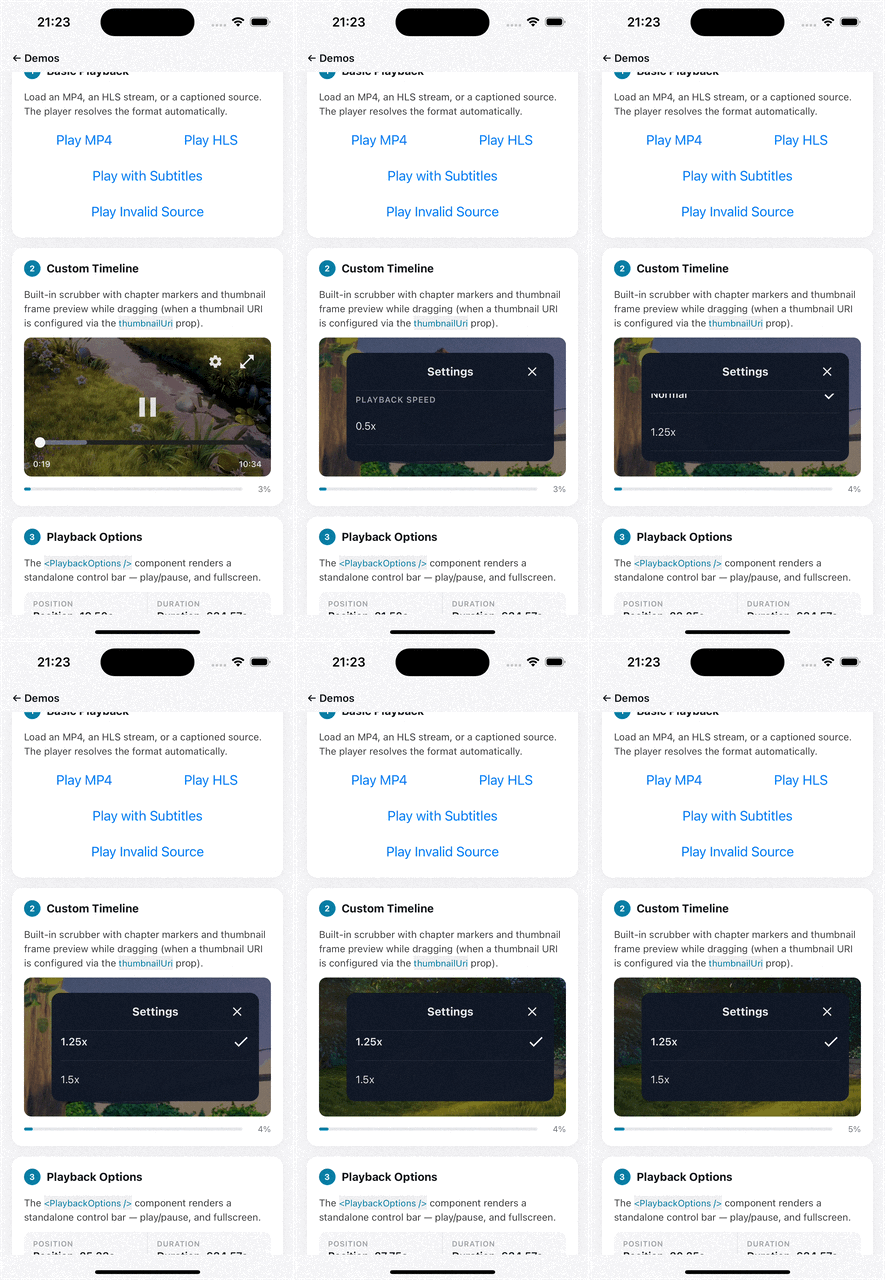
pip controls picture-in-picture behavior and onPipEvent lets you react to state changes.
import { ProMamoPlayer } from '@mamoplayer/pro';

<ProMamoPlayer
  source={{ uri: 'https://cdn.example.com/main/master.m3u8' }}
  pip={{ enabled: true, autoEnter: true }}
  onPipEvent={(event) => console.log('[pip]', event.state, event.reason)}
  settingsOverlay={{
    enabled: true,
    showPlaybackSpeed: true,
    showQuality: true,
    showSubtitles: true,
    showAudioTracks: true,
  }}
/>;
Commercial Access
@mamoplayer/pro is a private package available under a commercial license.
To obtain access, please contact sales@mamoplayer.com.
Developer diagnostics
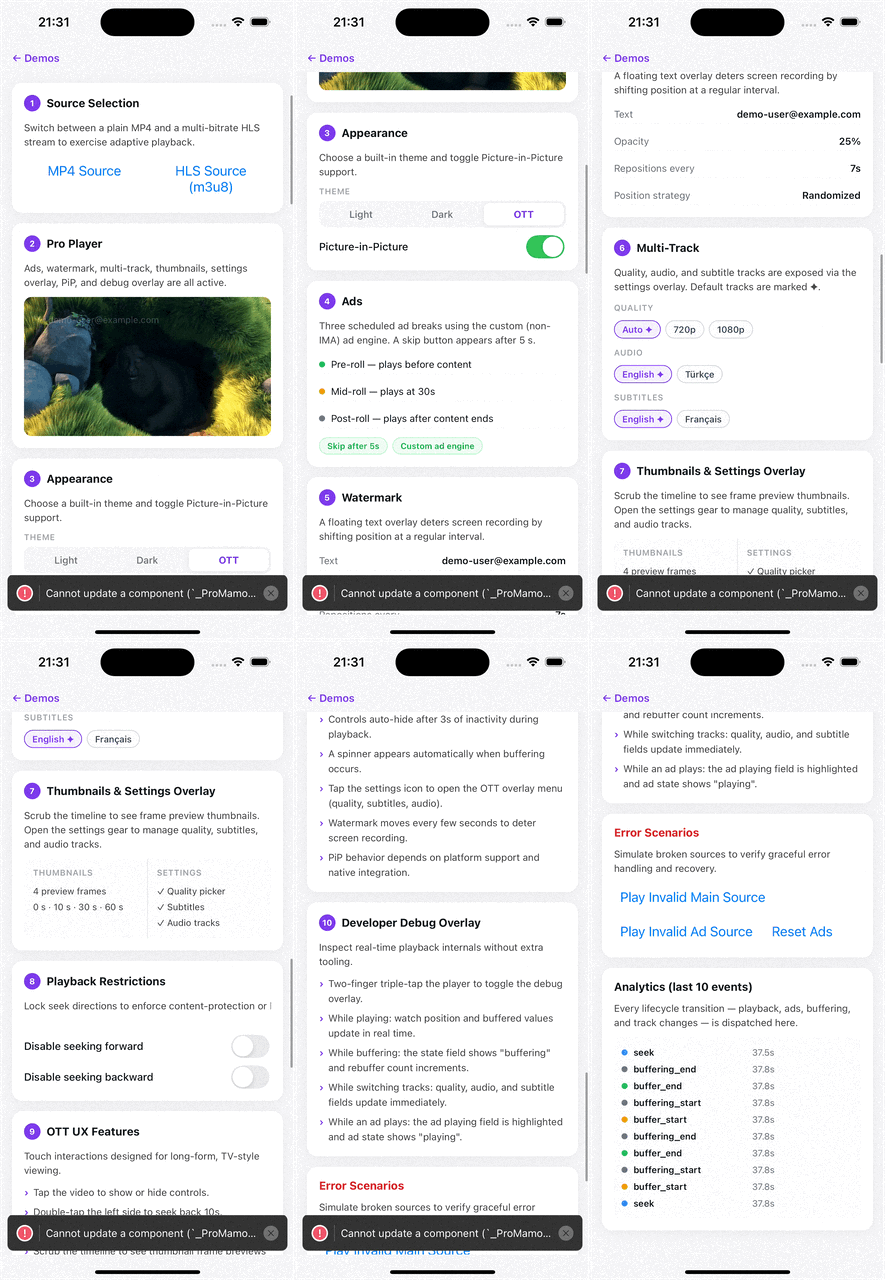
The debug prop enables a lightweight in-player overlay that surfaces live playback internals. It is intended for development and debugging only — disable it (or omit it entirely) in production builds.
debug={{ enabled: true }}
When enabled, the overlay displays the following fields in real time:
| Field | Description |
|---|---|
| state | Current playback state: playing, paused, or buffering |
| position / duration | Current playback position and total duration in seconds |
| buffered | Seconds of content buffered ahead of the current position |
| buffering | Whether the player is stalled waiting for data |
| quality / audio / subtitle | Active track selections |
| last error | Most recent playback or ad error message |
| ad playing | Whether an ad break is currently active |
| pip | Current picture-in-picture window state |
| rebuffer count | Number of buffering interruptions in this session |
Example
import { ProMamoPlayer } from '@mamoplayer/pro';

<ProMamoPlayer
  source={{ uri: 'https://cdn.example.com/main/master.m3u8' }}
  debug={{ enabled: __DEV__ }}
/>;
Using __DEV__ ensures the overlay is only rendered in development and is automatically stripped from production bundles.